
Difference Between RGB and CMYK in Photoshop
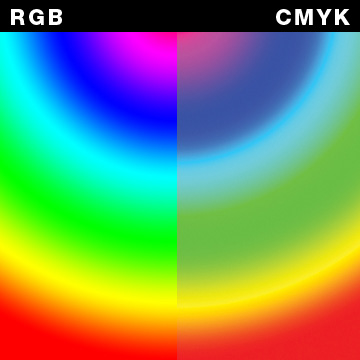
Adobe Photoshop is extensively used by graphic designers, photographers and web developers. Furthermore, it is the most widely used photo editing software. RGB (Red Green Blue) is a palette which is used to create different pictures in the screens and to display them. On the other hand, CMYK (Cyan, Magenta, Yellow, Key or black) is used for paper printing or other media. Although, both the palettes reproduce different kinds of colours by placing single colour close to one another, but RGB is an additive colour model whereas CMYK is a subtractive colour model.
Besides, CMYK is a colour model which uses an additional black colour instead of reproducing it by the combination of other three colours. Even though, cyan, yellow and magenta are quite sufficient to create different colours. However, it helps in creating a different impact by reproducing the black colour. Additionally, the black colour helps to keep the image clear when it becomes unclear (blur) after the application of the other three colours.
Moreover, you have to apply the colours more than once in CMYK because they are light. In contrast, you can have desired results in RGB by applying colour only once.


Instructions
-
1
RGB
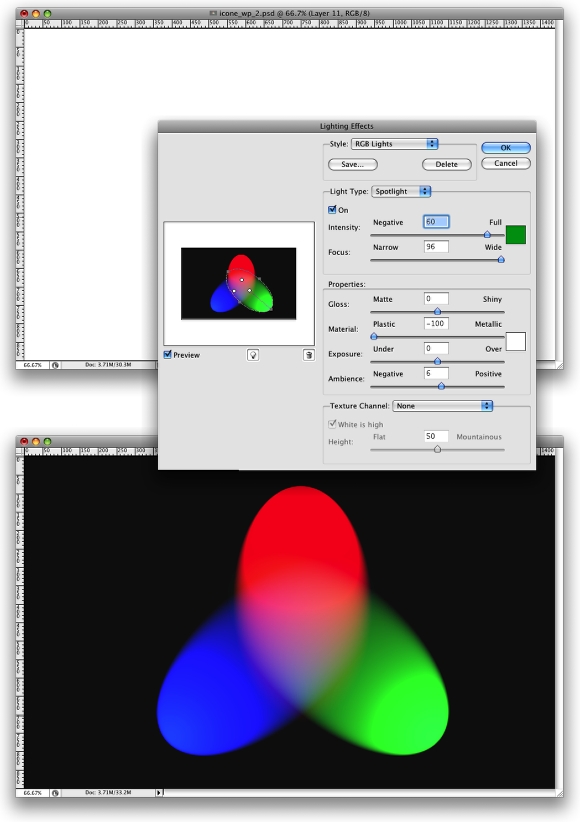
It is an additive colour mode. It is known as additive because of the black colour of the background screen. It helps in developing and displaying pictures by adding light in different variation to the black colour in the background. The editor can clearly see the difference between original and changed image.
Image courtesy: abduzeedo.com
-
2
CMYK
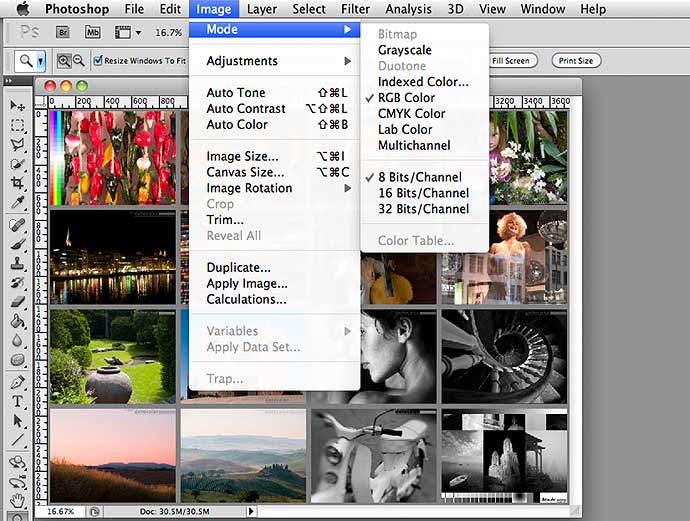
It is a subtractive colour mode which is used for printing pictures on white paper by subtracting the ink. Furthermore, it uses secondary colours also which are quite lighter as compared to those which are being used in RGB. If you intend to make your colours darker, you will have to add more ink.
Image courtesy: northlight-images.co.uk
 is a palette which is used to create different pictures in the screens and to display them. On the other hand, CMYK (Cyan, Magenta, Yellow, Key or black) is used for paper printing or other media. Although, both the palettes reproduce different kinds of colours by placing single colour close to one another, but RGB is an additive colour model whereas CMYK is a subtractive colour model.
Besides, CMYK is a colour model which uses an additional black colour instead of reproducing it by the combination of other three colours. Even though, cyan, yellow and magenta are quite sufficient to create different colours. However, it helps in creating a different impact by reproducing the black colour. Additionally, the black colour helps to keep the image clear when it becomes unclear (blur) after the application of the other three colours.
Moreover, you have to apply the colours more than once in CMYK because they are light. In contrast, you can have desired results in RGB by applying colour only once.Next%20stop%3A%20Pinterest "Pin It")